Star

Autonomous testing for every build.

Describe a journey in plain English. Yewo tests it on every build, the way your users would.

Try the free CLI
$ pip install yewo

Still tapping through your app before every release?

Release-day tapping.

The same checklist, by hand, every single time.

Tests that break when a button moves.

Nothing's broken. Your test suite just thinks it is.

Tools that want your code first.

Test IDs, labels and SDKs before they'll find a single button.

How it works

One sentence in. A tested app out.

  1. 01

    Say it.

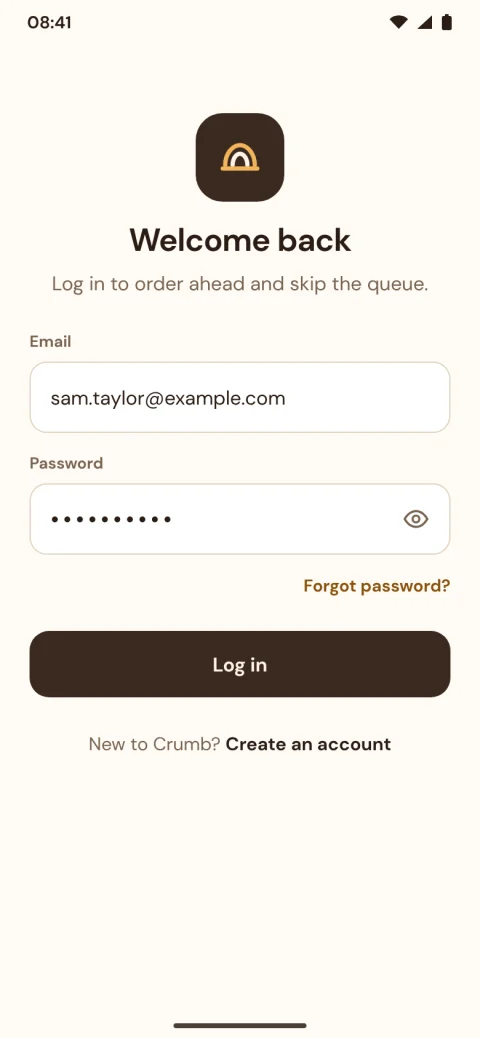
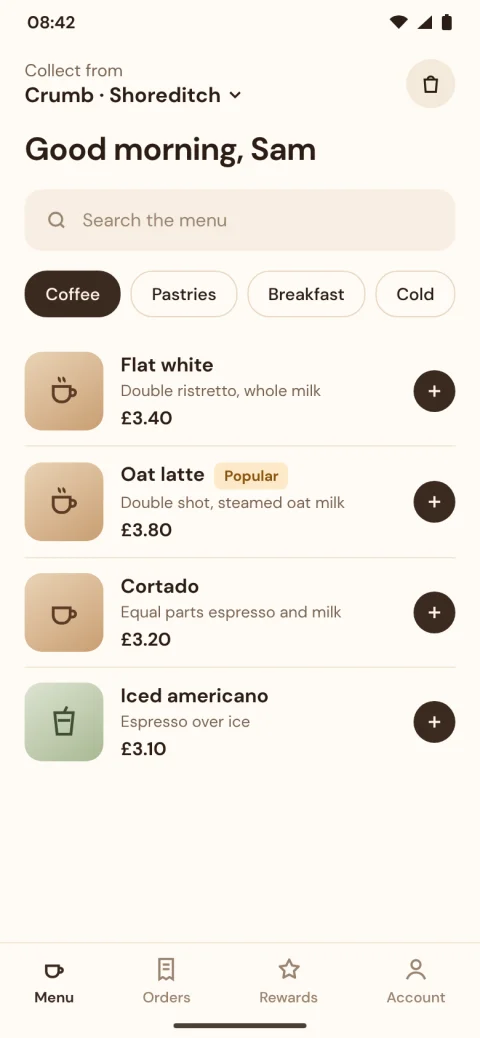
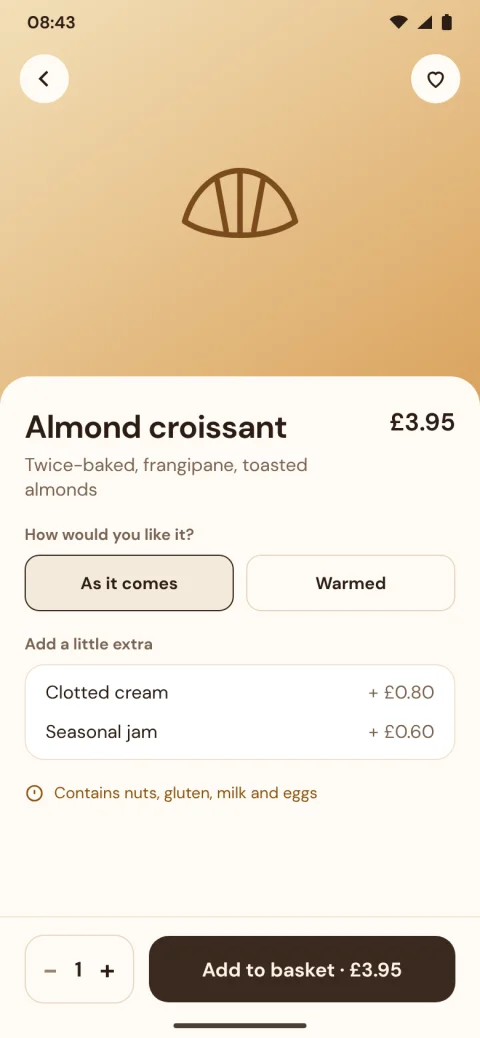
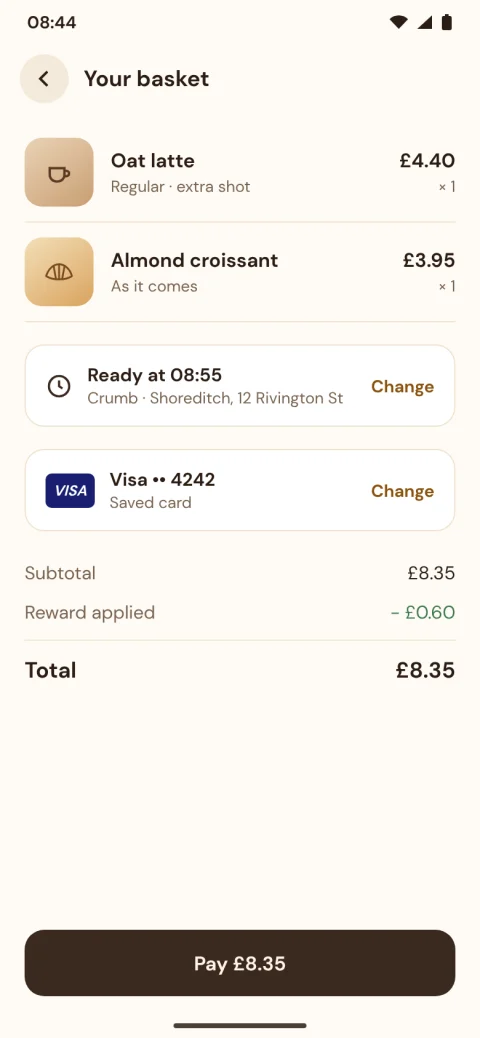
    “Log in, add two items, pay with the saved card.” That’s your test.

  2. 02

    Yewo walks it.

    Plus the checks you'd forget: wrong totals, leaving mid-order, double taps, hidden secrets.

  3. 03

    It remembers.

    Every build after that replays in seconds. No AI, no cost.

  4. 04

    It heals.

    Redesigned a screen? Yewo finds the new way through. You approve.

Show your working

No black box. Every tap, explained.

See what Yewo saw, what it did and why. When it fails, you’ll know if it’s a real bug, a changed screen or just a bad day.

Bug found? One click and it’s a GitHub issue.

Built with anything. Tested the same way.

Yewo reads the screen, not your code. Your stack is your business.

FlutterReact NativeSwiftKotlin
Fits your workflow

Broken journeys don’t reach main.

Yewo checks every pull request and says what broke, with screenshots, right where you review code.

Open source core

Open at the core.

Read every line that touches your app. Run the CLI free with your own AI key, and add Yewo Cloud when your team’s ready.

View on GitHub6

Common questions

What is Yewo?

Yewo is an AI testing agent for Android and iOS apps. You describe a user journey in plain language, and Yewo operates the real app, checks what happened, and produces an evidence-backed report with screenshots and actions.

Which platforms and frameworks does Yewo work with?

Yewo runs against Android and iOS builds, and works with apps built in Flutter, React Native, Swift and Kotlin. It drives the built app rather than the source, so the framework you used does not change how tests are written.

Do I need to add test IDs or change my app to use Yewo?

No. Yewo uses visual perception to find and interact with visible controls, rather than app-specific selectors or test IDs. You do not need to modify your app or hand over your source code.

How do I install Yewo?

Install the command line tool with pip install yewo. You need Python 3.12 or later, Node.js 18 or later, and the SDK for the platform you are testing: Android Studio for Android, or Xcode on macOS for iOS.

Is Yewo open source?

Yes. Yewo is open source under the Apache-2.0 licence, and the code is on GitHub at github.com/yewohq/yewo.

Is Yewo ready to use in production?

Not yet. Yewo is alpha software under active development, so expect breaking changes while its public interface settles. The open-source command line tool is free to use now and stays free; the waitlist is for Yewo Cloud, the hosted version, which is not open yet.

Why I’m building Yewo.

“Every mobile team I’ve led shipped faster than it could test. So I built the tester I always wanted: one that looks at the app the way users do.”
Rebecca SakaFounder/developerLinkedIn

Stop tapping. Start shipping.

Get early access to Yewo Cloud. The CLI is free to use today.